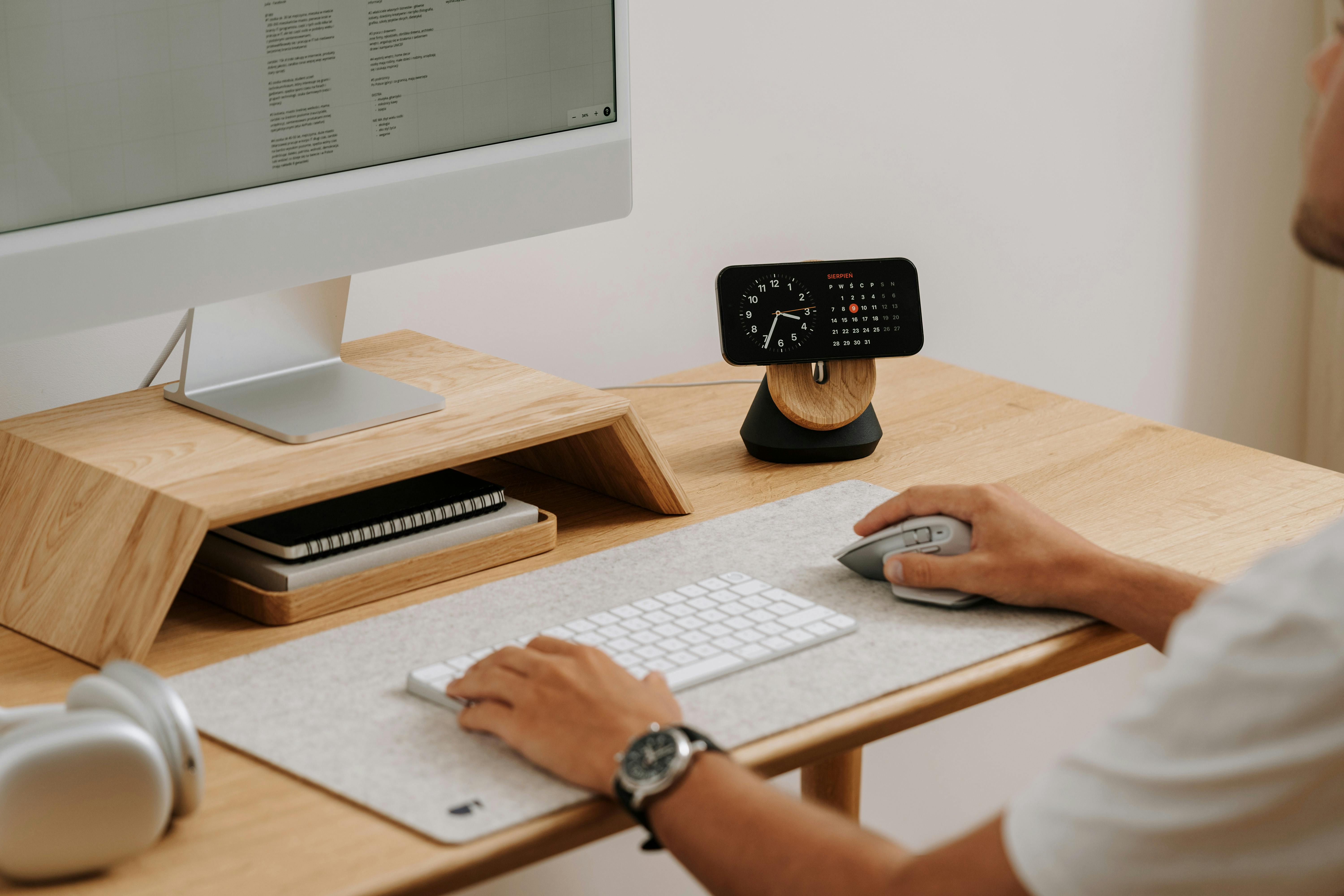
Post Production Dashboard

Welcome to the Post Production Dashboard

Where serenity meets precision, the Post Production Dashboard is more than a tool—it is a reflection of your polished pursuits. Created for discerning decorators, stylists, and makers of domestic magic, this dashboard gathers the glimmer of your creative process and brings it into harmony. Whether you’ve just concluded a renovation or captured a room in still life, it’s the place where final touches unfold with grace.

Designed by Decorad House, this feature embodies our passion for intuitive living and inspired refinement. Think of it as your stylist’s mirror—honest, helpful, always present at the end of effortful artistry. With it, you see what your vision becomes when the last nail is driven and the final pillow fluffed.

What You Can Do With This Tool

  • Refine your captured designs: Upload interior or staging photos and adjust lighting balance, color grading, and image focal highlights—all guided by spatial aesthetics.
  • Simulate alternate finishing styles: Preview how a space might feel with subtle changes to wall texture, fabric hue, or shelf arrangement.
  • Identify compositional balance: Use visual overlays to gauge proportional disharmony or missed spatial rhythm in your room layout.
  • Export ready-to-share visuals: Format and polish staged photos for social, client proposals, or personal archiving with size presets and export options.
  • Collaborate safely: Grant timed-access previews for collaborators or clients without full account permissions.

While our home is Batavia, New York, the Dashboard’s beauty travels—accommodating U.S. regional design sensibilities including upstate warmth, northeastern texture, and midcoastal naturalism.

How It Works (Step-by-Step)

  1. Sign in or start a session: Use your Decorad House credentials or begin a guest session (limited features included).
  2. Upload your media: Add up to 10 high-res photos per session—JPEG or PNG, no larger than 15MB each.
  3. Enhance and refine: Use built-in adjustment tools to refine lighting, contrast, warmth, saturation, and spatial emphasis. Optional AI-assisted composition analysis available.
  4. Simulate alternate decor themes: Apply post-filters that reflect recognized interior palettes like ‘Desert Mist,’ ‘Modern Heritage,’ or ‘Twilight Linen.’
  5. Review and compare versions: Create snapshots of your edited visuals. You can store up to three comparison layers per photo set.
  6. Export or generate shareable links: Download imagery optimized for print, web, or social display, or generate temporary preview URLs.
  7. Save or discard project data: You decide if your session should be saved under your profile or automatically forgotten after end-session.

While the Dashboard uses proprietary aesthetic detection, each transformation maintains your original’s integrity—because artistry deserves light, not replacement.

Inputs and Outputs at a Glance

Input Details Required?
Photos JPG or PNG, max 15MB, up to 10 uploads per session Yes
Session Title Optional project name for saving No
Style Simulation Choice Choose from six aesthetic overlays No
Collaboration View Toggle Enable shareable links with expiry No
Output Details
Edited Photos High-quality visuals in selected format
Visual Comparison Slides Before/after layers viewable in side panel
Export Options PDF, ZIP, or online preview link

Time to complete: 10–25 minutes per session on average

Use Cases and Examples

Julia from Rochester just completed a hallway restyle. She uploaded three images into the Dashboard, enhanced brightness to neutralize northern-facing gray shadows, and used the ‘Modern Heritage’ overlay. The output helped her finalize a photo series for her style blog.

Marques in Niagara Falls needed to present staged Airbnb photos to shareholders. He used our simulation overlay to preview ‘Twilight Linen’ finishes, spotlighted wireframe furniture alignment, and exported link-based previews for each variation—no login required on their side.

Claire from Buffalo’s Southtowns struggled with overexposure in her living room shots. Post Production Dashboard balanced window glare while helping her test different carpet styles virtually, guiding her next steps with playful precision.

Tips for Best Results

  • Use natural light when capturing your photos—artificial lighting can distort dashboard previews.
  • Don’t over-edit; subtlety showcases true texture more powerfully.
  • Name your sessions if you plan to revisit them later—it’s easier to navigate saved work.
  • Enable side-by-side view on desktop for the richest comparison experience.
  • If uploading from a mobile device, ensure your files are not compressed or auto-filtered.
  • Use the optional AI assist only when your image lacks clear visual anchors (corners, color boundaries).
  • Trust your eye—the dashboard is a tool, not a verdict.

Limitations and Assumptions

While rich in interpretation, the Dashboard does not create original artwork nor fabricate elements. Its purpose is refinement, not reimagining. Filters are representative, not color-match precise, and outputs will vary across screens and lighting environments.

The AI features are currently in beta. They rely on visual segmentation and common decor algorithms from broad trend data, occasionally missing niche details or unique spatial treatments. We recommend final confirmation via calibrated display or printed sample sheets for critical uses.

Privacy, Data Handling, and Cookies

All images are processed server-side to allow layered edits and smooth exports. However, uploads are temporarily held for the session duration only unless the user chooses to save them explicitly. No images are used for training, marketing, or third-party sharing.

For full information, please review our Privacy Policy and Cookies Notice. You can also consult our Terms of Use regarding saved sessions and premium features’ data thresholds.

Accessibility and Device Support

The Dashboard is fully keyboard-navigable, with all major tools available through shortcut keys. Hoverless interactions and high-contrast themes respect accessibility standards, avoiding color-dominant cues. Our mobile-responsive design ensures seamless usability on tablets and phones, although we recommend desktop for optimal layering experience.

Should the Dashboard be temporarily unavailable, a downloadable “Post-Style Checklist” calculator is available for manual finalization.

Troubleshooting and FAQs

Why won’t my image upload?

Ensure it’s a .jpg or .png under 15MB. Try renaming the file and refreshing the session.

Can I recover an unsaved session?

Sessions not explicitly saved are auto-cleared after 60 minutes of inactivity to protect your privacy. Unfortunately, they cannot be retrieved.

How accurate are the light/dark tone simulations?

They offer artistic approximations based on typical lighting environments but are not calibrated to specific camera models or lens filters.

What’s inside the AI suggestions?

Only visual cues—there’s no personal data storage or file scanning beyond image composition itself. Interpretation is aesthetic-only, never categorical or facial.

Can I use this tool offline?

Not currently. The tool relies on cloud-based rendering capabilities.

Where is my saved session stored?

Under your Decorad House profile, encrypted with your account credentials. It is deletable at any moment through your dashboard.

What if my exported image looks different in print?

Screens display color differently. For print-accurate results, check your monitor settings or test small print sheets.

Can I collaborate with others without sharing my full profile?

Yes. Use the “Generate Preview Link” feature to create a shareable, time-limited version of your project.

Is this tool free?

Core features are freely accessible. Advanced overlays and export customizations are pay-once upgrades.

Who do I contact if I need help?

Please visit our Help Center or reach out through our Contact Page for personalized guidance.

Related Resources

Explore deeper insights into our tools via our Technology Discovery Summary, where digital meets delightful. To learn from creators like yourself, browse the ideas blooming in our Visionary Mind gallery. And for direct support or contribution, we always welcome collaborators through Today Connect.

Start Bringing the Finish to Life

From muted corners to radiant rooms, your visuals deserve the finale that reflects your journey.

Open the Post Production Dashboard and begin the final elevation of your space—where design breathes and vision settles like dust turned gold.

Scroll to Top